Power Platform training
Power Apps and Power Automate: automating your internal processes without writing code.
| Duration | 5 jours (35 h) |
|---|---|
| Format | On-site |
| Level | Intermediate |
| Participants | — |
| Price | On request |
| Certificate | Yes |
Who is this course for ?
Business and IT teams who want to automate internal processes without going through conventional development.
What will you be able to do by the end ?
- Design a Power Apps application usable in the field, without writing conventional code.
- Master the common Power Fx formulas and navigation patterns.
- Automate a business process end to end with Power Automate.
- Diagnose blockages caused by corporate security policies.
- Document an application and hand it over to its future users.
Programme
-
Day 1 — Fundamentals and a first application
Environments, data sources, screens and controls. Building a first data-entry application.
-
Day 2 — Power Fx in depth
Variables, collections, filtering and sorting, state management. The formulas that come back in every project.
-
Day 3 — Field applications
Offline mode, camera and geolocation, mobile ergonomics, performance on large volumes.
-
Day 4 — Automating with Power Automate
Triggers, conditions, loops, approvals. Building a complete approval flow.
-
Day 5 — Security, sharing and go-live
Data loss prevention policies, permitted connectors, resolving security conflicts in a corporate environment. Sharing, versioning and documentation.
Prerequisites
Comfortable with office tools. Active Power Apps and Power Automate licences.
How is the course run ?
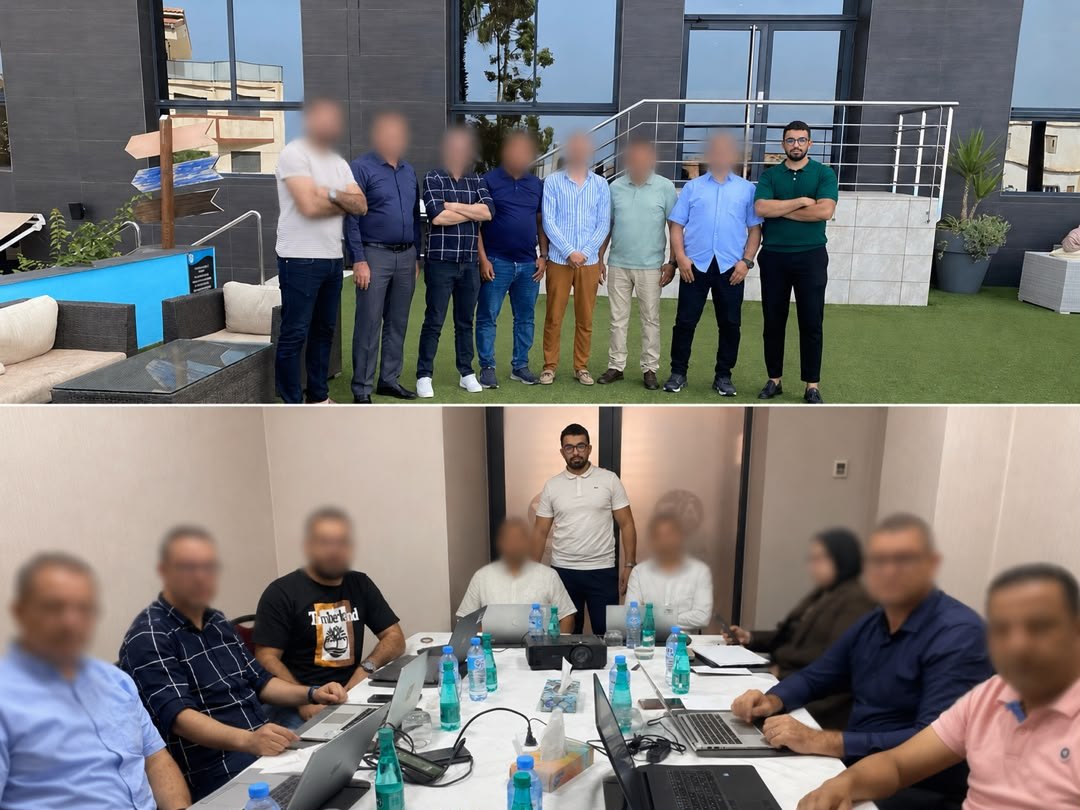
Five days in the lab: every participant builds their own application and their own automation. The exercises are designed to work without external dependencies, so they remain usable in a locked-down corporate environment.
Already delivered at
Frequently asked questions
Are courses delivered at our offices?
Yes, and that is the format we recommend: your teams work in their own environment on their own data. Remote and hybrid delivery are possible depending on your constraints.
How many participants per session?
We deliberately cap group sizes to keep time for individual support during exercises. The exact number is set in the quote, according to the course and the level of the group.
Do we work on our own real data?
Yes wherever possible, and this is the main difference from generic training. Exercises use your real datasets, which means participants leave with dashboards and automations they can put straight to use.
Is a certificate issued?
Yes, a named certificate is given to each participant at the end of the course, together with the detailed programme covered.
What happens after the course?
The materials, exercise workbooks and working files stay with you. Follow-up support can be included in the quote, to answer the questions that surface once the learning is put into practice.
Updated Aug. 11, 2026