
Power BI training
M language, advanced DAX and analytical method, applied to your own data.
| Duration | 3 jours (21 h) |
|---|---|
| Format | On-site |
| Level | Intermediate |
| Participants | — |
| Price | On request |
| Certificate | Yes |
Who is this course for ?
Management controllers, analysts, engineers and department heads who already produce dashboards and want to turn them into decision-making tools.
What will you be able to do by the end ?
- Connect and clean heterogeneous data sources with the M language.
- Build a star schema that is both readable and fast.
- Write correct DAX measures, including with modified filter context.
- Design a report that answers a decision, rather than one that displays data.
- Publish, share and refresh your reports securely.
Programme
-
Day 1 — Retrieving and transforming data
Connecting to sources, the Power Query editor, the M language. Cleaning, pivots, merges and parameterised queries. The preparation mistakes that cost dearly later on.
-
Day 2 — Modelling and calculating
Star schema, dimension and fact tables, date table. DAX: row and filter context, CALCULATE, time intelligence functions, quick measures versus correct measures.
-
Day 3 — Presenting and sharing
Choosing visuals according to the question asked, layout, interactions and bookmarks. Publishing, scheduled refresh, access management.
Prerequisites
Regular spreadsheet use. Power BI Desktop installed on each participant's machine.
How is the course run ?
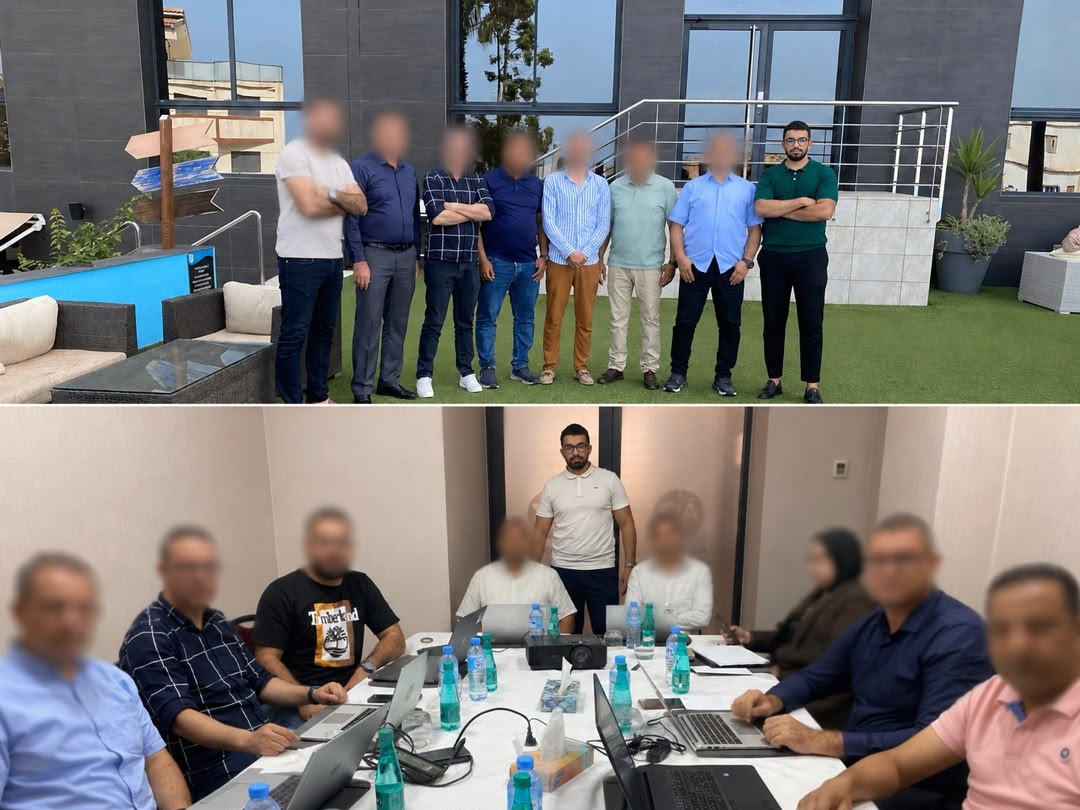
Every concept is applied immediately to a dataset. The final half-day is spent building a report on your own real data, which you keep at the end of the course.
Already delivered at
Frequently asked questions
Are courses delivered at our offices?
Yes, and that is the format we recommend: your teams work in their own environment on their own data. Remote and hybrid delivery are possible depending on your constraints.
How many participants per session?
We deliberately cap group sizes to keep time for individual support during exercises. The exact number is set in the quote, according to the course and the level of the group.
Do we work on our own real data?
Yes wherever possible, and this is the main difference from generic training. Exercises use your real datasets, which means participants leave with dashboards and automations they can put straight to use.
Is a certificate issued?
Yes, a named certificate is given to each participant at the end of the course, together with the detailed programme covered.
What happens after the course?
The materials, exercise workbooks and working files stay with you. Follow-up support can be included in the quote, to answer the questions that surface once the learning is put into practice.
Updated Aug. 15, 2026