Stock management software
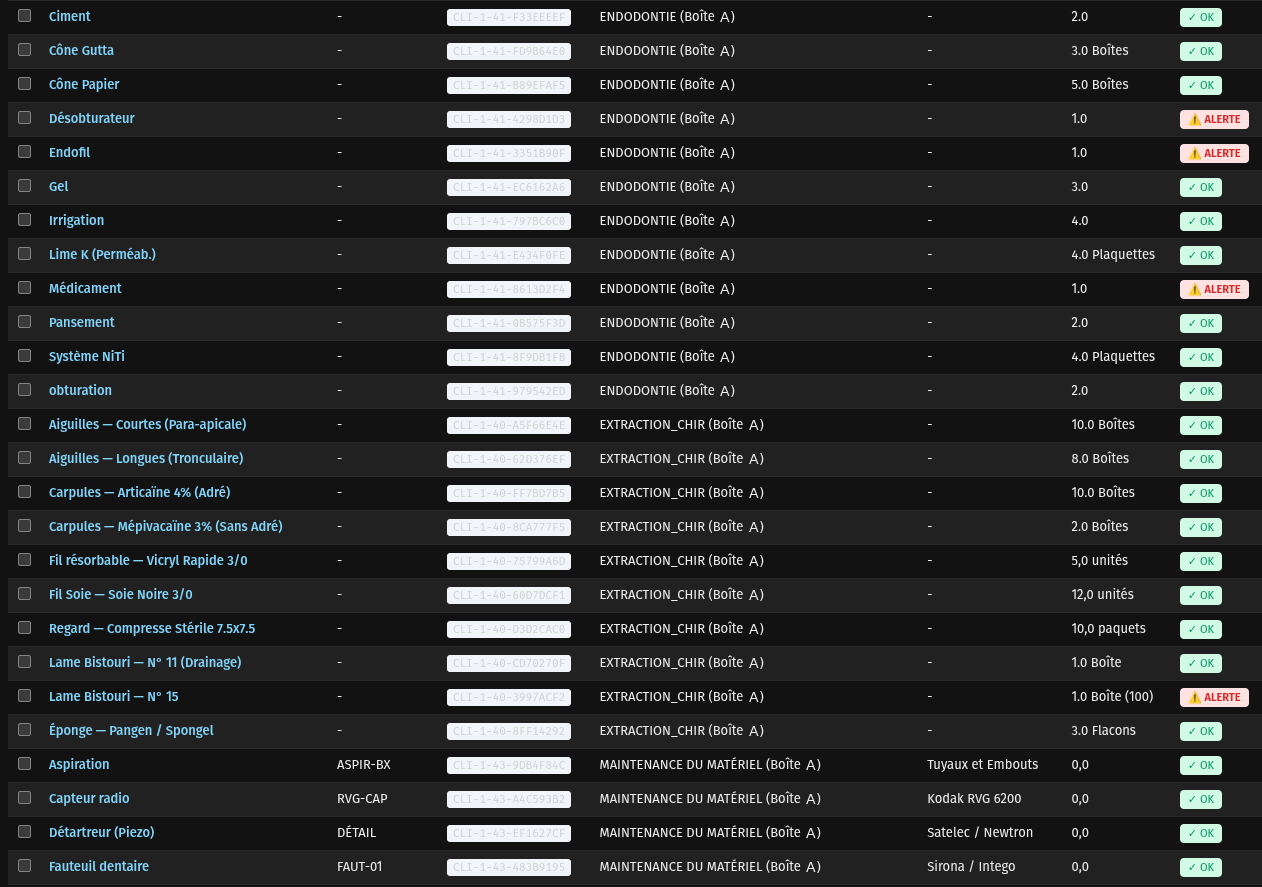
A stock-out rarely costs the price of the missing item: it costs the postponed procedure, the patient sent away, the line brought to a halt. Our module traces every receipt and issue, raises the alert before the shortage rather than after, and scans from a phone. It is in production in healthcare establishments.
What you gain
- 0 unanticipated stock-outs
- 1 scan to receive or issue
- 100 % of movements time-stamped and attributed
In pictures
-
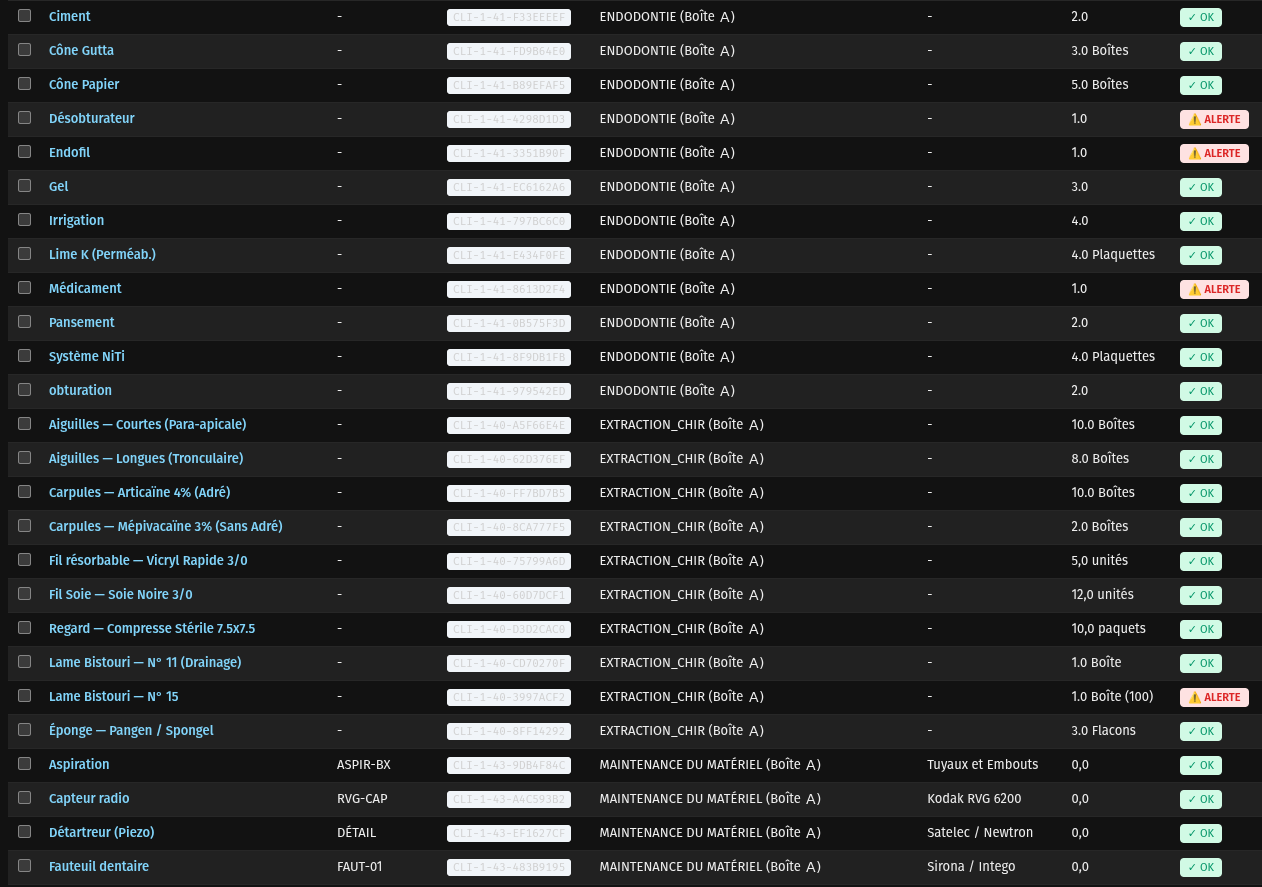
Every movement is time-stamped and attributed. -
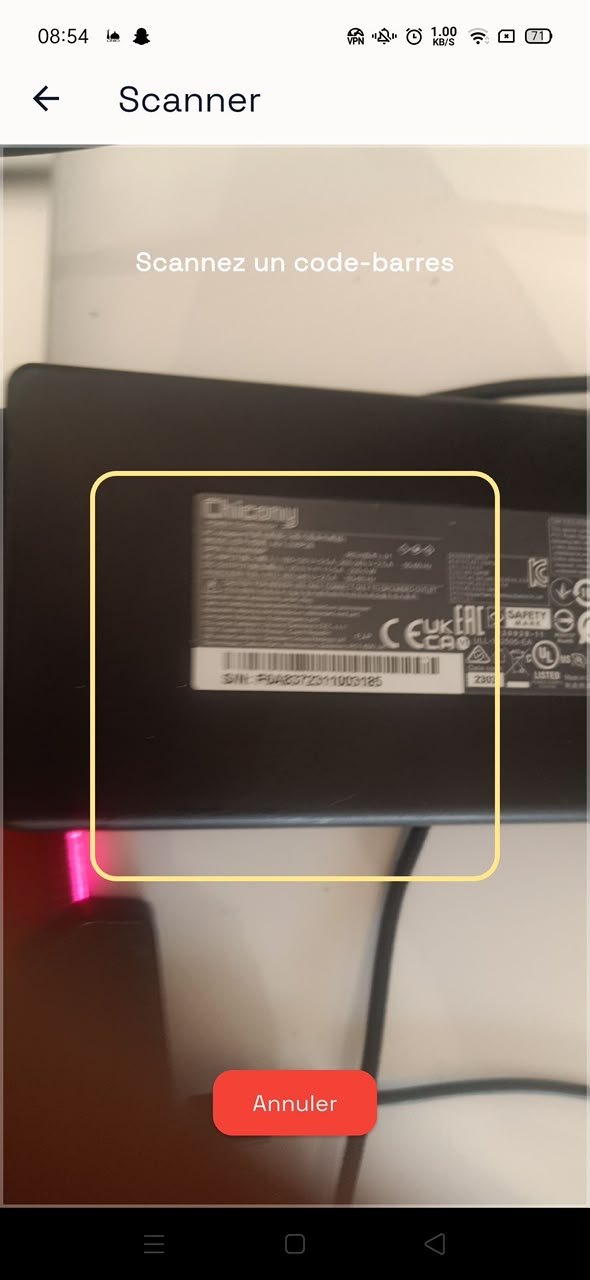
The phone replaces the barcode reader.
A stock-out rarely costs the price of the missing item: it costs the postponed procedure, the patient sent away, the line brought to a halt.
Our stock management module is in production in healthcare establishments. It handles the full hierarchy — divisions, locations, categories, attributes, products — traces every movement and raises the alert before the shortage. Scanning is done from a phone.
It integrates into a complete ERP or stands alone.
What the software includes
Hierarchy that fits
<p>Divisions, locations, categories and attributes: your organisation, not an imposed template.</p>
Traced movements
<p>Every receipt and issue is time-stamped and attributed to a user.</p>
Mobile scanning
<p>Barcodes from a phone, with no dedicated reader to buy.</p>
Thresholds and alerts
<p>The alert comes before the shortage, not after.</p>
Valuation
<p>Stock value and the real cost of consumption by department.</p>
StockNova
<p>Ask in plain language: what is left, what has moved, what is about to run out.</p>
The embedded AI
StockNova
What is left, what has moved, what is about to run out — in one question.
OptiNova
Frames, lenses and prescriptions tracked from a single place.
VetoNova
The animal's record, vaccination reminders and the practice's stock.
OfficineNova
What is left on the shelf, what is expiring, what needs reordering.
DistriNova
A pharmacy's order picked, traced and delivered without re-keying.
RestoNova
Orders, real margins per dish and what will run out tomorrow.
Who uses it
Frequently asked questions
Do you need a powerful server to run AI locally?
Less than people think. A workstation with a recent graphics card, or a Mac with an Apple Silicon processor, is enough to serve a language model for a team of ten to thirty people. We size the hardware during scoping, before any commitment.
What happens if the internet goes down?
The software keeps working. Since everything is installed on your local network, losing the external connection interrupts neither data entry, nor the AI, nor document printing.
Can you migrate our existing data?
Yes. We take on spreadsheets, exports from existing software and historical databases. Migration is a dedicated stage with a consistency check before go-live.
Do you build the mobile app as well?
Yes, in Flutter, with a single code base for Android and iOS. The app connects to the same server as the desktop software and is therefore subject to the same data boundary.
How do you guarantee a user only sees what concerns them?
Partitioning is applied in the data access engine, not merely in the interface. In practice, a user cannot obtain information outside their scope by rephrasing the question to the AI assistant: the restriction is imposed before the data is read.
Updated Aug. 15, 2026